Buy the soundbar that supports your actual sources through your TV's exact output, fits the room and remains affordable with cables, mounting and any extra speakers.
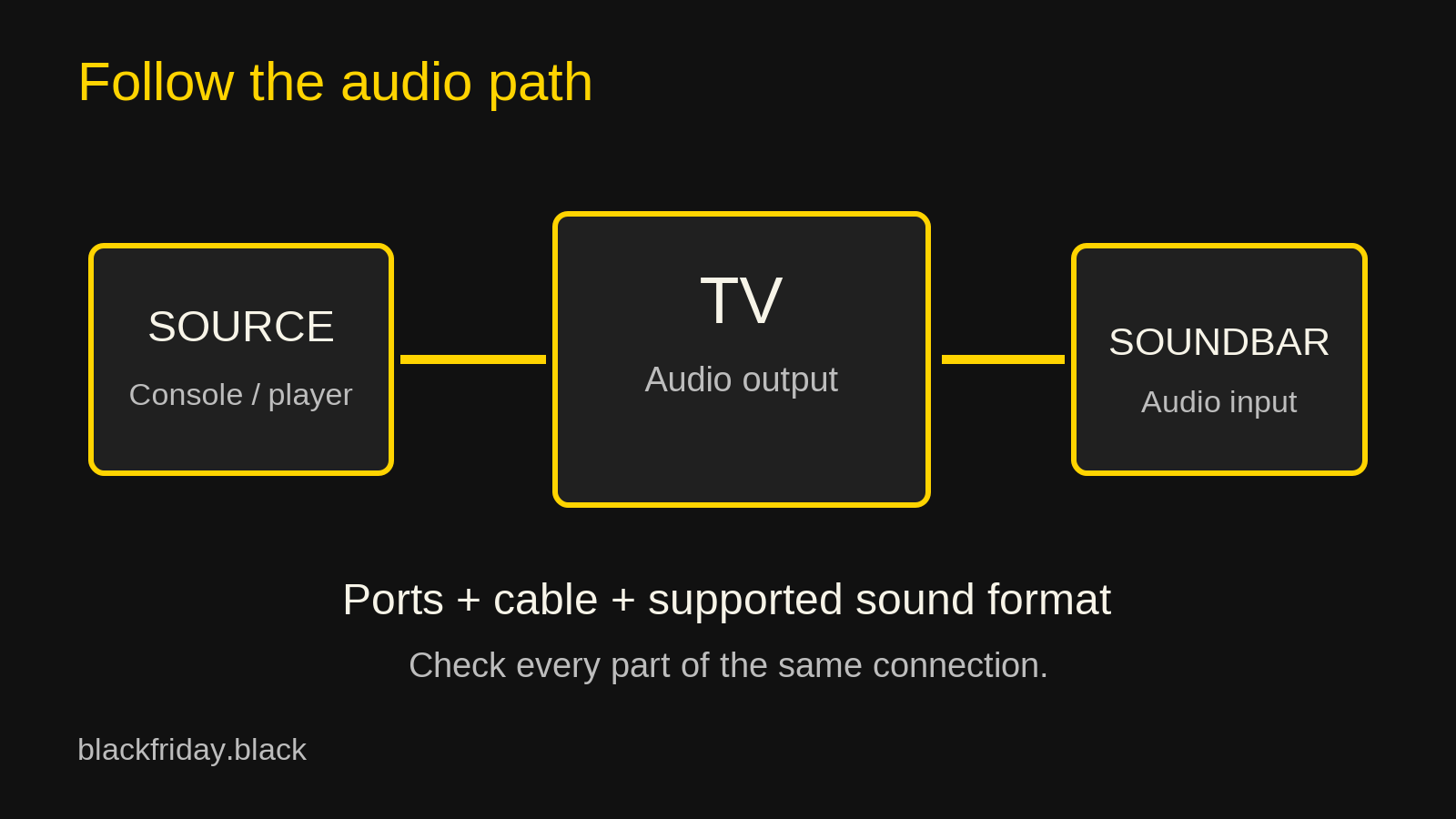
A soundbar fits your TV when the connection, audio format and everyday controls work together. Matching brand names or finding an HDMI socket on each device does not settle those questions. Start with your TV’s full model number, the sources you watch, and the soundbar’s connection diagram. Then work out whether the improvement you want survives the whole route.
For clearer speech from ordinary television, a straightforward bar with a suitable connection may be enough. For multichannel games, disc soundtracks or Dolby Atmos, you need a more specific check. A premium soundbar cannot recover a format that an earlier device has removed or cannot pass along.
This is a compatibility and purchasing guide based on documentation. It does not claim listening tests or rank today’s offers. If you are replacing the screen too, make the port plan alongside the TV buying guide.
Draw your source-to-speaker route
Write one line for each regular source: built-in TV app, streaming box, console, disc player or set-top box. For example: “Console → TV HDMI input → TV eARC output → soundbar.” For a built-in app, the route begins inside the TV. These paths can produce different results even with the same programme.
Record what you actually need beside each line. “Understand quiet dialogue at night” is a useful requirement. “Have the biggest channel number” is less useful unless you know where the speakers will go and what material will use them. Someone watching news in a small room has a different purchase from someone playing multichannel games and watching discs.
Check the TV manual for audio passthrough, meaning its ability to send an incoming audio format onward. Look for the exact input and output combination. An audio format listed for a TV’s own speakers does not necessarily establish what that TV will send from an external player to a soundbar.
When a manual is unclear, ask manufacturer support a narrow question containing both model numbers and the source. Keep the answer with your purchase record. “Is this compatible?” invites a basic yes that may mean stereo only.
Choose the connection before choosing the badge
ARC means Audio Return Channel: it sends TV audio back through a designated HDMI connection. eARC is the enhanced version, with support for higher-bandwidth audio. HDMI Licensing Administrator explains that this can carry audio from the TV and sources attached to it to a soundbar through one HDMI cable.
Use the TV port explicitly marked ARC or eARC and the soundbar port identified for the TV connection. An ordinary HDMI input elsewhere on the TV does not take on that job because the cable fits. Read both manuals for the recommended cable and settings; avoid paying for vague claims of better sound from an otherwise suitable digital cable.
Optical can still be a sensible route for an older TV and a compatible bar. Its limitations matter when advanced formats or integrated control are part of the purchase. Sonos, for example, documents optical connection options for certain home-theatre speakers but requires ARC or eARC for Atmos on its supported products. Its optical arrangement also does not provide HDMI-CEC TV control. These are product-specific examples, so inspect the intended bar’s manual rather than assuming every optical setup behaves identically.
Bluetooth support is not proof of an equivalent TV connection. Check whether your TV can transmit to that bar, what volume controls remain available, and whether the manufacturer recommends it for television use. Convenience for music from a phone is a separate requirement from dependable dialogue synchronisation.
Atmos is a format chain, not one switch
Dolby Atmos can arrive through different audio formats. That is why two people can own the same soundbar and report different results. The programme, service or disc, player, TV output and bar must support the relevant path.
Sonos’ published format table provides a concrete illustration: it lists Atmos carried by Dolby Digital Plus separately from TrueHD and multichannel PCM formats that require eARC on its specified products. It also notes that some sources, including Apple TV, use Dolby MAT. Therefore “Atmos works over ARC” is too broad to use as a buying promise for every source.
Make a small matrix for your own purchase:
| Source you use | What must be confirmed |
|---|---|
| TV streaming app | The app, programme, plan where relevant, TV output and bar support the desired format |
| External streaming box | Its output format passes through the TV to the bar |
| Console | The selected sound setting works with the TV and bar without unacceptable delay |
| Disc player | The soundtrack format is supported or the player offers a suitable supported conversion |
Do not mistake virtual surround processing for separate speakers behind you. Either may suit your room, but they are different arrangements. Decide whether physical rear speakers, their power outlets and cable routes are realistic before assigning value to a surround bundle.
Direct HDMI inputs can solve one problem and create another
Some bars accept a source directly and pass its picture onward to the TV. Others have only the TV audio connection. Count HDMI inputs, rather than counting every HDMI socket in a photograph. The socket used to connect the TV may be the bar’s only HDMI port.
If you route a console through the soundbar, verify the video features needed along that path: the resolution and refresh rate, HDR format and gaming features of your actual display. A bar that handles your soundtrack may still become an unsuitable link for the picture you want.
Conversely, sending the console straight to the TV can protect its video route while making the TV responsible for passing audio onward. Neither arrangement wins universally. Pick the route that satisfies both requirements with the fewest extra devices.
An audio extractor adds another powered box, cable set and compatibility table. Before budgeting for one, compare its complete cost and complexity with a simpler bar or another connection. Do not assume an inexpensive adapter turns an older TV into a fully capable eARC source.
Check controls and sound delay while the setup is simple
HDMI-CEC is a control system used for functions such as linked power and volume. Manufacturers give it different menu names. Confirm what the intended pair supports and whether it must be enabled. A working audio connection and a working single-remote arrangement are separate things to check.
Set up one source first, using the manufacturer’s instructions. Test power on, power off, volume, mute and source switching. Then add the remaining equipment. If the setup starts changing input unexpectedly, a connected source may be sending control commands. Diagnose one device at a time instead of replacing the soundbar immediately.
For lip-sync problems, compare a TV app with an external source. Record the sound mode and any delay adjustment before changing it. A setting that helps one source may be inappropriate for another. Judge ordinary speech and a familiar game, rather than relying only on a short demonstration clip.
Measure the furniture and think about neighbours
Check bar width, height and depth against the TV feet and cabinet. Make sure it will not cover the bottom of the picture or the remote receiver. Leave the clearances required by its manual. If it uses upward-facing speakers, an enclosed shelf can conflict with the intended placement.
A wireless subwoofer still needs electricity. Rear speakers may also need power, depending on the system. Mark actual outlets and walking routes before calling a bundle cable-free. Include brackets or stands if the proposed positions need them, and check wall construction before buying mounting hardware.
For a shared building, ask whether you can enjoy the system at the times you watch. Strong bass at midnight may be less useful than clear speech, a night mode or an easy bass adjustment. Those controls deserve a place on the shortlist. A larger bundle has little value if important parts stay switched off.
Compare complete systems and make the decision
Price the bar, required cable, mounting, installation where needed, rear-speaker supports and any separately sold subwoofer. Check what the exact retail box includes; another country’s bundle or a different suffix may contain different accessories. Use the bundle comparison to assign value only to parts you will use.
For a hypothetical comparison, suppose System A costs 240 in your local currency and needs 35 of mounting and cabling. System B costs 290 with those items included. The usable totals are 275 and 290, so the meaningful difference is 15. These invented figures demonstrate the method; they are not offers or observed prices. Put your real figures into the complete checkout calculation.
Save the listing, model code, included-parts list and the seller’s relevant conditions. For a gift, confirm the recipient’s TV before purchase and read the actual gift return conditions. A larger advertised reduction cannot compensate for an unusable connection.
Choose a basic compatible bar when speech and simplicity are the goals. Choose eARC and verified format support when your sources justify them. Choose a surround package when its speakers fit the room and your daily routine. The best final answer is a working connection diagram, a place for every box and a total you can afford.