Buy for the accessible floor you can keep ready, with a workable dock and maintenance routine. Keep a manual cleaning option for the places and messes the robot cannot handle.
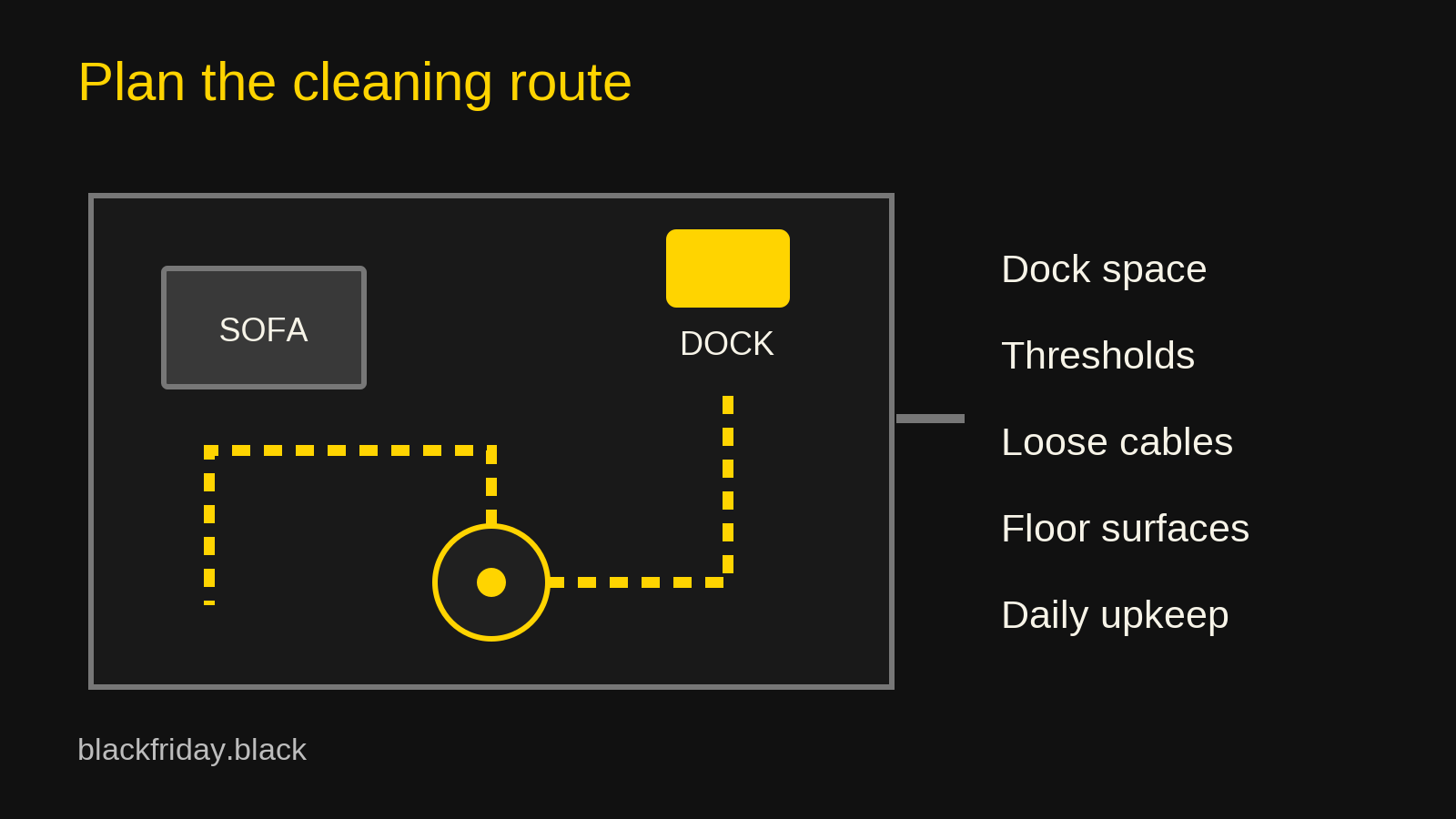
A robot vacuum is a useful buy when it can repeatedly clean a meaningful part of your home without needing more rescue and preparation than you are willing to do. Start with the floor plan, thresholds and a permanent docking position. Suction numbers come later.
An open room with accessible hard flooring presents a different job from several small rooms separated by steps, deep rugs and loose cables. Both homes may have the same advertised floor area. Their useful robot coverage can be very different.
The right question is not whether a robot can replace all housework. Ask which recurring task it can take over: collecting everyday crumbs in the kitchen, controlling visible pet hair in accessible rooms, or keeping a clear downstairs floor tidy between manual cleans. This guide helps you define that task before comparing a Black Friday listing.
Map the reachable floor instead of the whole property
Sketch the rooms you want cleaned and draw every doorway, step and narrow passage. Mark areas behind dining chairs, under beds and between furniture legs. Measure the smallest useful clearance, including any raised sensor housing on the robot. A low sofa is accessible only if the whole machine can get underneath and back out.
Measure thresholds from both directions. Record their height, shape and surface rather than writing “small bump.” A sharp ledge, rounded transition and loose rug edge are different obstacles. Compare these measurements with the exact model’s manual or manufacturer support answer. Do not transfer a climbing claim from another model or assume that a maximum demonstrated obstacle describes every real doorway.
For a hypothetical home with 70 square metres of floor, suppose furniture and steps leave 35 square metres regularly reachable. Judge the purchase against those 35, especially if they include your messiest rooms. This is a planning example, not a manufacturer’s coverage estimate.
On multiple floors, decide whether you will carry the robot, move its dock or keep another cleaning tool upstairs. Check the model’s multi-map behaviour and its instructions for starting away from the base. A machine that remembers several maps still cannot climb a staircase.
Find the dock’s permanent address first
Tape out the proposed base footprint and required approach space before ordering. Include room to remove a dust bag, lift a lid, refill clean water and carry dirty water to a sink if those functions exist. The closed product dimensions do not tell you whether routine maintenance will work under a shelf.
iRobot’s Home Base guidance gives a useful example of why this matters: it calls for approximately 0.5 metres on each side, 1.2 metres in front and separation from stairs. Those are instructions for the bases covered by that guidance, not universal measurements for all docks. Use the manual for your actual dock, particularly a larger washing and emptying station.
Check a suitable nearby power outlet and the required floor surface. Avoid choosing a place that blocks a door or becomes a daily trip hazard. A base squeezed into the only inconvenient corner may turn every cleaning session into furniture rearrangement.
Listen to the purchasing implications of the location too. If the base is beside a sleeping area or work desk, check whether automatic emptying can be scheduled or disabled on the intended model. Manufacturer documentation can establish the control; it cannot establish how tolerable the noise will feel to you.
Match the cleaning system to the surfaces
List the floor types rather than describing the home as “mixed flooring.” Include delicate wood finishes, tile joints, thick carpet, loose rugs and fringed edges. Read both the robot instructions and the flooring care instructions for any wet-cleaning plan.
On a vacuum-and-mop model, establish what happens at each rug. Does the exact machine lift its mop, avoid the rug, require a setting, or require removal of a component? Ask about clearance with a damp mop on the carpet you own. A capability badge alone does not answer whether a particular rug will stay dry.
Treat mopping as a separate maintenance decision. Check which cleaning solution is approved, whether water tanks need emptying, how pads are washed or replaced, and which parts require manual cleaning. Do not substitute a household chemical merely because it smells suitable. The manufacturer specifies what its water path and components support.
If the main problem is stairs, upholstery or occasional large spills, a manual machine may address more of your actual work. You can also choose a basic robot for regular dry pickup and retain your existing cleaner for the rest. Paying for a complicated dock is optional when its extra jobs do not solve a recurring problem.
Plan around cables, pets and unpredictable mess
Walk through the rooms at floor level. Look for charging leads, shoelaces, light mats, toy pieces and fabric hanging down from furniture. Decide which items can stay permanently secured and which require a sweep before each run. Count that preparation as part of the routine.
Obstacle avoidance is model-specific assistance. It is not a reason to schedule cleaning through a room where pet waste might be present. iRobot’s obstacle documentation distinguishes recognised obstacle types and user feedback; that does not establish perfect detection in every position, lighting condition or mess. Visually check the floor before running the robot when an accident is possible.
Separate bowls, wet areas and litter from the intended route. Use physical management and supported keep-out settings as appropriate, then confirm how those settings behave on your model. A virtual boundary is less useful if the feature needs an unavailable map or is not retained in the mode you intend to use.
Consider the pet’s routine as well. A plan that works while someone is home may be more practical than automatic cleaning immediately after everyone leaves. The benefit comes from a repeatable arrangement that suits the household, not from maximising unattended hours.
Self-emptying still leaves maintenance
Write down the consumable part numbers for bags, filters, brushes and mop pads. Check whether they are sold in your market and what is actually included in the box. An attractive imported package can become inconvenient if its dock bags or warranty service are hard to obtain locally.
Read the maintenance schedule and identify jobs you will actually do: removing hair, cleaning sensors and contacts, checking wheels, washing permitted components and servicing the dock. A larger bin changes one task; it does not remove the others. If a task requires kneeling, lifting or reaching into a tight corner, account for your own mobility and space.
Use realistic purchase arithmetic. A hypothetical robot at 300 plus 45 in first-year supplies and 25 for cable management starts at 370 before electricity or optional services. A second machine at 350 including the same supplies may be the cheaper usable package. These are invented figures for comparison, not product prices. Estimate replacement frequency from your manual and actual usage rather than assuming every part is replaced monthly.
Compare a starter kit against separately purchased supplies with the bundle value guide. Do not assign value to a large supply of a part that belongs to another model.
Decide how much mapping and account dependence you accept
Read the exact model’s app requirements before purchase: supported phone system, account, Wi-Fi requirements, initial setup, map storage and what works without an internet connection. Separate local button operation from room selection, scheduling, remote control and map-based restrictions. They may have different dependencies.
iRobot’s privacy policy describes collection that can include floor plans, room names, device environment and usage information on connected devices. It also describes choices concerning map transmission and optional obstacle-image sharing, and identifies exceptions for its Select service. Those statements should prompt a check of the relevant model and account settings, not a conclusion that every robot behaves alike.
If privacy is a deciding factor, write your requirement plainly: perhaps no optional image sharing, limited cloud features or useful basic operation without Wi-Fi. Ask the manufacturer which functions remain under that restriction. A product that meets your privacy preference but loses the cleaning feature you need may be a poor fit.
For a used or refurbished unit, confirm the account-transfer/reset procedure and completeness of the dock and tanks. The refurbished versus new comparison helps separate a lower label price from missing components and service differences.
Make a realistic first-week plan
Prepare the reachable rooms, follow mapping instructions and watch the first runs. Note missed areas, repeated trapping points and difficult returns to base. Change one physical obstacle at a time so you can see whether the arrangement improves. This is a plan for your own verification, not a claim that we have tested a model.
Run the machine at a time that fits ordinary life. Check whether clearing the floor, maintaining the robot and finishing excluded areas leave you with a worthwhile reduction in work. A small amount of preparation can be sensible; constant rescue is evidence that the proposed use needs changing.
Choose the robot when its reachable floor includes the work you most want to reduce, its dock has a proper home and supplies remain affordable. Choose a simpler robot or manual cleaner when the extra automation creates jobs you do not want. For other large home purchases, the same space-first approach appears in the installation cost guide: measure the working setup before judging the discount.